
Short-form video
Short-Form Video Scripts: 5 Retention Frameworks for Educational Content
Use these five short-form video script frameworks to turn educational ideas into focused, watchable videos. Includes templates, examples, AI prompts, and a practical process for improving retention.
By MillsGuild Editorial ·
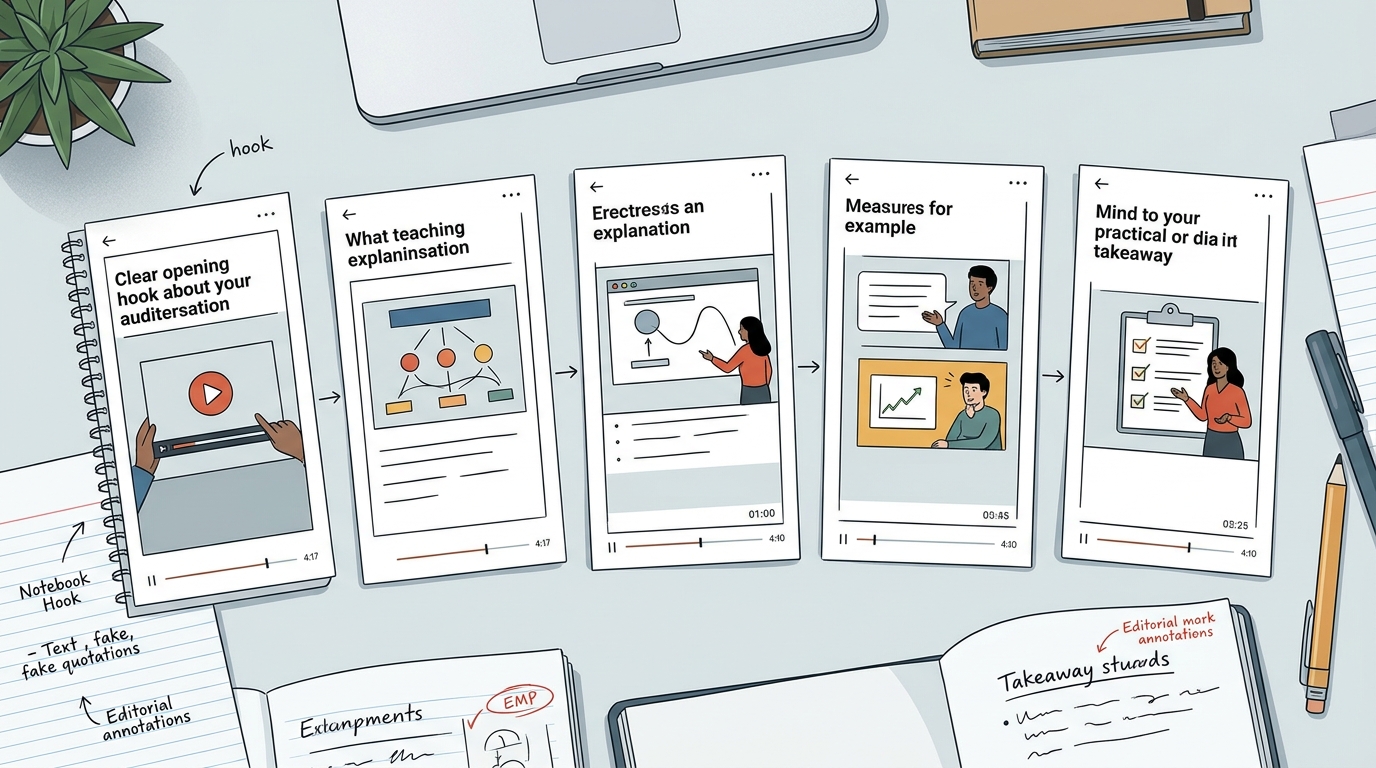
Short-Form Video Scripts: 5 Retention Frameworks for Educational Content
A strong hook can stop someone from scrolling. It cannot make them finish a video.
That requires a script with enough structure to carry the viewer from the opening promise to a useful payoff. Without that structure, educational videos often start with an interesting claim, drift into background information, and end with a rushed call to action.
The five frameworks below are practical writing heuristics. They are not proven formulas for retention, views, or virality. Use them to organize an idea, then use your own audience data to decide what deserves another version.
What makes an educational short-form script easier to follow?
A useful educational script usually does four things:
- Gives the viewer a specific reason to watch.
- Moves through the explanation in a clear order.
- Provides a concrete answer, demonstration, or next step.
- Ends when the promised value has been delivered.
The right length depends on the idea, audience, platform, and execution. Industry benchmark reports use different samples and definitions, so broad duration or completion figures are best treated as directional. Account-level retention data is a more useful basis for decisions about your own videos. YouTube and TikTok both provide creator analytics that can help you review audience retention, watch time, and viewer behavior: YouTube audience-retention reporting and TikTok video analytics.
It also helps to separate three problems:
- Weak initial interest: People scroll before the lesson begins.
- Weak middle retention: The hook works, but the explanation becomes slow, repetitive, or confusing.
- Weak payoff: Viewers stay but do not save, share, comment, or take the intended next step.
A framework can help you form a revision hypothesis. It cannot establish why a video underperformed on its own.
Five practical script frameworks

These names describe the way each script organizes information. They are useful labels for planning and reviewing drafts, not research-established retention systems.
1. Four-Step Value Drop
This structure fits a video that needs to deliver one practical lesson quickly.
- Hook: Name the result, mistake, or problem.
- Value drop: State the central lesson early.
- Demonstration or explanation: Show how the lesson works.
- Next step: Give the viewer one relevant action.
The useful principle is early delivery. You are not withholding all useful information until the end. The viewer receives an initial answer, then watches to understand or apply it.
Illustrative example
Hook: Your AI video scripts may sound robotic because you are asking for the entire script in one prompt. Value drop: Generate the outline, hook, and body separately. Explanation: Choose one lesson. Ask the AI for three possible structures, select one, and draft the opening on its own. Add a real example, then rewrite any sentence that feels awkward when spoken. Next step: Save this workflow for your next scripting session.
Template
If you want to [desired result], stop [common mistake]. Instead, [central recommendation]. First, [step or demonstration]. Then, [next step]. The important part is [key distinction]. [One relevant call to action].
Do not make the value drop a second hook. State the recommendation, then use the remaining time to make it credible and usable.
2. Problem, Agitate, Solve
This structure fits an audience that already recognizes a specific difficulty.
- Identify the problem.
- Explain its consequence or underlying cause.
- Teach a solution.
The agitation should clarify the stakes rather than manufacture anxiety. One sentence may be enough.
Illustrative example
Problem: You are turning every customer question into a separate social post from scratch. Agitation: That makes content production slower because you repeatedly research topics you already understand. Solve: Keep a question library. Group related questions, write one detailed source answer, and adapt it into several focused videos. Each video should solve one part of the larger question.
Template
If you are struggling with [specific problem], the issue may be [underlying cause]. That leads to [practical consequence]. Try this: [solution]. Start with [first step], then [second step].
Do not exaggerate the cost of the problem or imply that viewers are failing because they have not purchased a tool. The lesson should remain useful without a sale.
PAS is commonly used as a copywriting and marketing shorthand. Its presence here describes a planning choice, not a documented retention mechanism.
3. Before, After, Bridge
This structure fits visual transformations, workflow improvements, design lessons, editing demonstrations, and comparisons.
Show the desired result, reveal the starting condition, and explain what connected the two.
Illustrative example
After: A 35-second tutorial can come from one paragraph in a longer article. Before: The paragraph contains four ideas, too many for one short video. Bridge: Select the most useful claim, turn it into a question, add one example, and remove every sentence that does not help answer that question.
Template
Here is the result: [specific outcome]. It started as [before state or constraint]. The change came from [step one], [step two], and [decisive adjustment].
A transformation without an explanation is a showcase, not a lesson. Spend more time explaining the bridge than admiring the result. Also check that generated or staged visuals do not imply a product capability or customer outcome that has not been substantiated. Advertising claims can be communicated through the overall combination of spoken words, text, and visual depictions, not only through a single sentence. See the FTC policy statement on deceptively formatted advertisements.
4. Nested Loop
This structure fits a lesson whose main answer depends on one supporting concept.
- Open the main question.
- Introduce a smaller question or missing concept.
- Resolve the smaller question.
- Return to the original promise.
Illustrative example
Primary question: Why do some useful tutorials lose viewers halfway through? Secondary question: What is the middle of the script supposed to do? Secondary resolution: It should turn the opening promise into evidence through a demonstration, example, or sequence of steps. Primary resolution: When the middle adds background instead, the video feels stalled. Move essential context into the demonstration and remove everything else.
Template
Why does [surprising outcome] happen? To answer that, you first need to understand [supporting concept]. [Explain the supporting concept and provide value.] That brings us back to [original question]. The answer is [resolution].
Use one secondary loop for most short educational videos. Opening several questions without resolving them can make the script feel like deliberate stalling.
5. In Medias Res
This structure fits demonstrations, experiments, reactions, process videos, screen recordings, and lessons with a strong visual moment.
“In medias res” means beginning in the middle of the action. The video opens with the result, process, or critical moment, then adds enough context for the viewer to understand it.
- Action: Start with the result or process.
- Context: Explain what the viewer is seeing.
- Reconstruction: Show how to reach or understand that moment.
- Payoff: Connect the explanation to the opening action.
Illustrative example
Action: Watch what happens when the first two sentences are removed from this script. Context: Both sentences provide background, but neither helps the viewer understand the lesson. Reconstruction: The third sentence already contains the problem and the promise. Making it the opening gives us a faster, clearer start. Payoff: The script has not lost necessary information. It simply reaches the useful part sooner.
Template
[Begin with action or result.] What you are seeing is [brief context]. Here is how it works: [explanation or steps]. That is why [final lesson connected to the opening].
Action without orientation becomes confusing. After the opening visual, explain what is happening in one concise sentence.
How to choose a framework
Match the framework to the job the video needs to do.
| If your video needs to... | Start with... |
|---|---|
| Deliver a fast, actionable tip | Four-Step Value Drop |
| Solve a familiar business problem | Problem, Agitate, Solve |
| Explain a visible transformation | Before, After, Bridge |
| Build toward a layered answer | Nested Loop |
| Open with a demonstration or striking moment | In Medias Res |
You can combine approaches, but one should remain dominant. A Before, After, Bridge video might use problem-focused language, for example. If every structure is visible at once, the script may feel overengineered.
A practical AI workflow for writing short-form video scripts

AI can help with outlining and variations. Draft quality depends on the context supplied, the task, the source material, and the human review that follows.
A staged workflow gives you more control.
1. Define one learning outcome
Finish this sentence before generating anything:
After watching, the viewer should be able to ______.
If the blank contains “and,” consider whether you have two videos.
2. Select a framework
Tell the AI which structure to use and what each section must accomplish. This can make the output easier to compare than a request for an “engaging viral script.” Viral results are not guaranteed by a prompt or a framework.
3. Generate outlines before prose
Ask for several structural options before asking for polished language. Comparing outlines can help you identify a weak premise before spending time on wording.
Create three outlines for an educational short-form video about [topic]. The audience is [specific audience]. The learning outcome is [outcome]. Use [framework]. For each outline, provide the opening, main teaching point, example, and final action. Do not invent statistics, product features, or customer results.
4. Add evidence and original context
Insert verified facts, real product details, screenshots, demonstrations, or examples you can support. Check AI-generated claims before publication, especially claims about pricing, product capabilities, platform policies, legal requirements, or performance. The FTC guidance on online advertising explains that advertisers can be responsible for misleading claims and material omissions.
A plausible sentence is not necessarily an accurate one.
5. Rewrite for speech
Read the script aloud. Revise anything that makes you slow down, run out of breath, or lose the thread.
Look for:
- Long setup clauses
- Repeated explanations
- Formal transitions such as “in conclusion”
- Words you would not normally say
- Sentences that require several visuals to understand
Fragments and pauses can work. The finished script should sound like a person teaching rather than an essay being read over stock footage.
6. Plan visuals beside the script
Create two columns: spoken line and visual support. Every visual should demonstrate, clarify, or reinforce the line beside it.
If a visual is decorative, ask whether it adds enough interest to justify the production work. Automated B-roll can make a video look busy without making the lesson easier to understand.
7. Apply a human review gate
Before publishing, verify:
- The opening promise matches the payoff.
- Factual claims have reliable support.
- Product demonstrations reflect actual capabilities.
- Generated visuals are not misleading.
- The call to action fits the lesson.
- The script sounds natural when spoken.
AI-assisted creation can reduce repetitive work, but responsibility for the published result remains with the creator or business.
How to improve scripts with retention data
Retention analysis is most useful as an inference process. A drop in a particular place does not prove one cause, but it can help you form a testable hypothesis. YouTube's audience-retention documentation describes dips as points where viewers skipped or stopped watching, while also noting that a dip alone does not establish the reason for the behavior. Review the YouTube retention report alongside your script, visuals, and audience context.
Early drop
Possible explanations include a broad first line, an opening frame that does not match the topic, an unnecessary greeting, or a promise aimed at the wrong audience.
Revise the opening while keeping the lesson stable. That gives you a cleaner comparison.
Drop during the explanation
Possible explanations include excessive context, unclear sequencing, or a mismatch between narration and visuals.
Try moving the example earlier. You can also replace abstract explanation with a demonstration, comparison, or concrete scenario.
Strong viewing but weak action
The lesson may be useful while the call to action is generic. Match the action to the content:
- Ask viewers to save a multistep process.
- Invite a specific question when the topic needs clarification.
- Direct viewers to a detailed guide when the short video cannot cover necessary nuance.
- Link to a relevant product workflow only when it genuinely helps complete the task.
Avoid changing the hook, body, visuals, caption, and call to action simultaneously. If the next version performs differently, you will not know which change mattered.
A Growth Copilot can help turn performance observations into recommendations for the next script, but review those recommendations alongside the underlying retention data.
Build a repeatable system
Use the framework within a broader workflow: research the topic, choose one lesson, structure the script, create the visuals, publish, review the response, and update the next version.
Benchmark reports can suggest questions to test, but results vary by audience, platform, topic, execution, and measurement method. Account-specific testing is the practical way to learn what your audience values.
MG Social Studio is designed to connect research, short-form video creation, publishing workflows, and Growth Copilot recommendations. Use the platform's available features while retaining editorial control, and review AI-generated recommendations and content before publishing.
Start creating with MG Social Studio
Results vary. AI-generated recommendations and content should be reviewed before publishing.
Frequently asked questions
What is the best framework for a short educational video?
There is no established best framework for every video. Four-Step Value Drop is a practical starting point for a straightforward tip or tutorial. Use Problem, Agitate, Solve for a recognizable pain point, Before, After, Bridge for a transformation, Nested Loop for a layered explanation, and In Medias Res when you have a strong demonstration.
How long should an educational short-form video be?
It should be long enough to deliver the promised lesson clearly and no longer. There is no universal duration or retention threshold that applies to every account. Start with the idea, remove unnecessary setup, and use your account's data to guide later versions.
Can AI write a complete short-form video script?
It can generate a draft, and some drafts may require little editing while others may require substantial revision. Review every output for accuracy, tone, pacing, spoken rhythm, and brand fit. AI does not automatically know which claims are verified or which phrases sound natural in your voice.
Should the answer be saved until the end to improve retention?
Usually not. Withholding all value can make a video feel manipulative. Give viewers a useful answer early, then provide the demonstration, reasoning, or detail that makes the answer actionable.
How many ideas should one short video cover?
One learning outcome per video is a practical default. A complex topic can become a series, with each video answering one specific question.
Sources
- https://support.google.com/youtube/answer/12942217
- https://support.google.com/youtube/answer/9314415
- https://newsroom.tiktok.com/how-tik-tok-recommends-video-for-you
- https://newsroom.tiktok.com/product-tutorial-tiktok-analytics
- https://www.ftc.gov/system/files/documents/public_statements/896923/151222deceptiveenforcement.pdf
- https://www.ftc.gov/system/files/documents/advocacy_documents/advertising-marketing-internet-rules-road/100801admarketing.pdf