
Video intelligence
How to Use YouTube Studio Analytics to Plan Your Next Video
Turn YouTube Studio metrics into a practical video plan. Learn how to interpret click-through rate, retention, traffic sources, and audience behavior without relying on generic benchmarks.
By MillsGuild Editorial ·
How to Use YouTube Studio Analytics to Plan Your Next Video
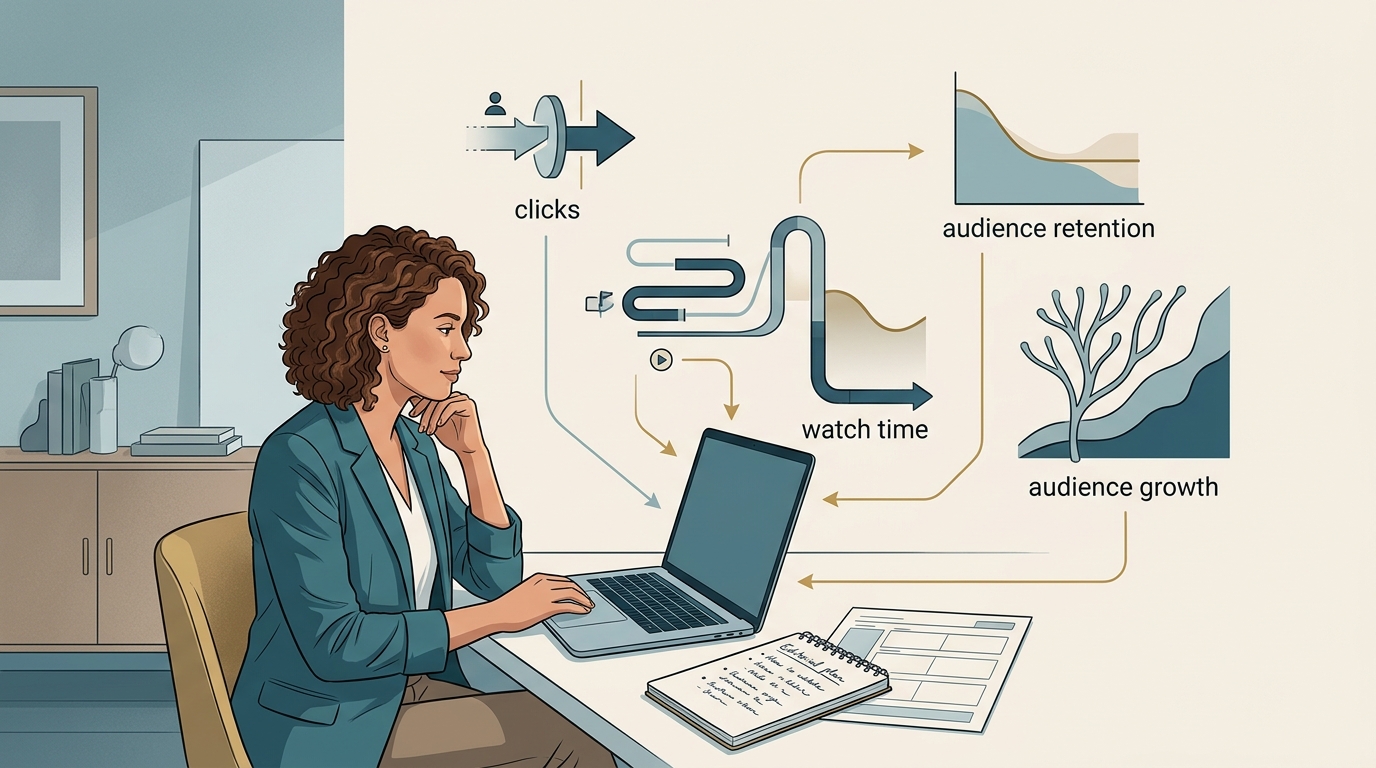
YouTube Studio can help you decide what to make next, but the answer rarely comes from one number. A video may earn a high click-through rate and lose viewers quickly. Another may attract fewer clicks while holding attention much longer.
A better planning question is, “What did this video teach us about the next topic, package, or viewing experience?”
Use four lenses to answer it:
- Topic: Did the subject attract the right viewers?
- Packaging: Did the title and thumbnail earn attention?
- Delivery: Did the video meet its promise?
- Audience fit: Did it support discovery, loyalty, or a business goal?
The workflow below turns those signals into a practical video brief.
Begin with the decision you need to make
Before opening Analytics, decide what the next video should accomplish. A small business may need an evergreen tutorial that attracts qualified search traffic. A creator building a series may care more about returning viewers. A marketer supporting a launch may value a smaller audience that matches the target market.
Choose one primary objective:
- Reach people who have not watched the channel
- Bring existing viewers back
- Build authority around a valuable topic
- Support a product, service, or campaign
- Test a format without disrupting the main content program
That objective determines which evidence deserves the most weight. YouTube does not provide one universal metric for choosing the next video.
Compare videos that had a similar opportunity
Open YouTube Studio, select Analytics, and create a comparison set. Start with recent videos that had similar time to accumulate views. Include older evergreen videos only when they continue to attract the audience you want.
Keep format in view. Compare long-form tutorials with other long-form tutorials, and analyze Shorts separately. Different formats create different viewing contexts.
A useful table includes:
| Video | Topic | Format | Impressions | CTR | Average view duration | Average percentage viewed | Main traffic source | New or returning audience | Business relevance |
|---|
You do not need a complete channel audit for every upload. A recent publishing cycle plus a few durable performers is often enough to reveal useful patterns.
Use watch time to identify promising topics
Views show how often a video was watched. Watch time adds information about the total viewing it generated. YouTube highlights watch time, audience retention, traffic sources, and click-through rate as useful areas for understanding channel performance.[1]
Look for subjects that generated meaningful watch time relative to comparable videos. Then group them by the problem they solved.
For an email marketing channel, the groups might include:
- Choosing an email platform
- Writing a welcome sequence
- Improving deliverability
- Building a lead magnet
- Automating follow-up
This is more useful than copying a successful title. You may discover that practical setup tutorials hold attention consistently, while broad commentary earns initial interest but less sustained viewing.
Use that pattern to extend the viewer’s journey. A beginner tutorial can lead to an implementation guide, troubleshooting video, comparison, or advanced use case.
Read impressions and CTR as packaging evidence
Impressions click-through rate, or CTR, measures how often a registered thumbnail impression led to a view. It helps you evaluate the combined effect of the topic, title, and thumbnail.
CTR changes as YouTube shows a video to different audiences. A video that reaches beyond its core viewers may receive more impressions while its CTR falls. YouTube recommends interpreting the metric in context rather than treating it as a universal score.[1]
Compare CTR with:
- Your own results for similar videos
- Comparable formats and lengths
- Similar traffic sources
- Impression volume and growth
- The age of the video
Then use the pattern to select the next test.
High CTR and weak retention
The package earned attention, but the viewing experience did not consistently meet the expectation created by the title or thumbnail. Review the opening and the largest retention drops. The problem may be a slow introduction, an unclear explanation, or a valuable answer that arrives too late.
For the next video, keep the topic family if the subject still looks relevant. Make the opening more direct and align the promise closely with what the video delivers.
Low CTR and strong retention
The people who clicked may have found the video useful, while the framing limited discovery. Try a clearer benefit, a narrower audience, or a thumbnail that communicates the outcome faster.
This pattern gives you a reason to test the packaging before abandoning the subject.
Low CTR and weak retention
The topic, package, delivery, or audience fit may need attention. Check whether the video reached the intended viewers before planning a sequel.
Strong CTR and strong retention
This is a good candidate for a related follow-up. Search comments, queries, and retention spikes for the next unanswered question instead of producing a near-duplicate.
Use retention to improve the next script
Average view duration shows how much time the average view generated. Average percentage viewed expresses that time relative to the video’s length. The retention graph shows where the viewing experience changed.
Treat the graph as an editing brief:
A sharp early decline
Review the opening against the title and thumbnail. Did the video quickly confirm what viewers would learn? If not, move the outcome, demonstration, or central answer closer to the beginning.
A drop at a specific segment
Watch the section at that timestamp. It may contain a long introduction, repeated information, an unrelated tangent, a confusing explanation, or a promotion that interrupts the main task.
The subject may still be valuable. A better structure, shorter sections, clearer transitions, or an on-screen example may solve the problem.
A spike or stable section
Inspect what viewers rewatched or continued watching. It may be a demonstration, comparison, result, template, or concise explanation. A frequently revisited troubleshooting section could become a focused follow-up tutorial.
The graph shows where behavior changed, not the reason it changed. Use the timestamp to form a question, then review the content and comments before revising the format.
Let traffic sources influence the format
Traffic sources show how viewers found the video. They help you understand whether the next upload should answer a known question, compete for recommendation traffic, or support another campaign.[1]
YouTube Search
Search-led videos usually answer an identifiable question. When a topic continues to attract search traffic, review the available search terms and look for an adjacent task, advanced version, or narrower use case.
Search viewers are often trying to complete something. A focused walkthrough may serve them better than a broad concept video.
Browse features and suggested videos
Recommendation-led viewing makes packaging and audience fit especially important. Review the common traits of videos that perform well through browse or suggested traffic:
- Is the topic easy for the intended audience to understand?
- Does the thumbnail communicate a clear outcome?
- Is the video connected to a series or recurring interest?
- Does the opening deliver on the premise quickly?
A follow-up should be recognizable to the right viewers while offering a distinct reason to watch.
External traffic
External views may come from a website, newsletter, social network, or embedded player. These viewers can behave differently from people browsing YouTube, so inspect the source before drawing conclusions from the overall retention average.
If a video worked because it was embedded in an article or campaign, the next opportunity may be another coordinated video and article package.
Use audience segments to choose between discovery and loyalty
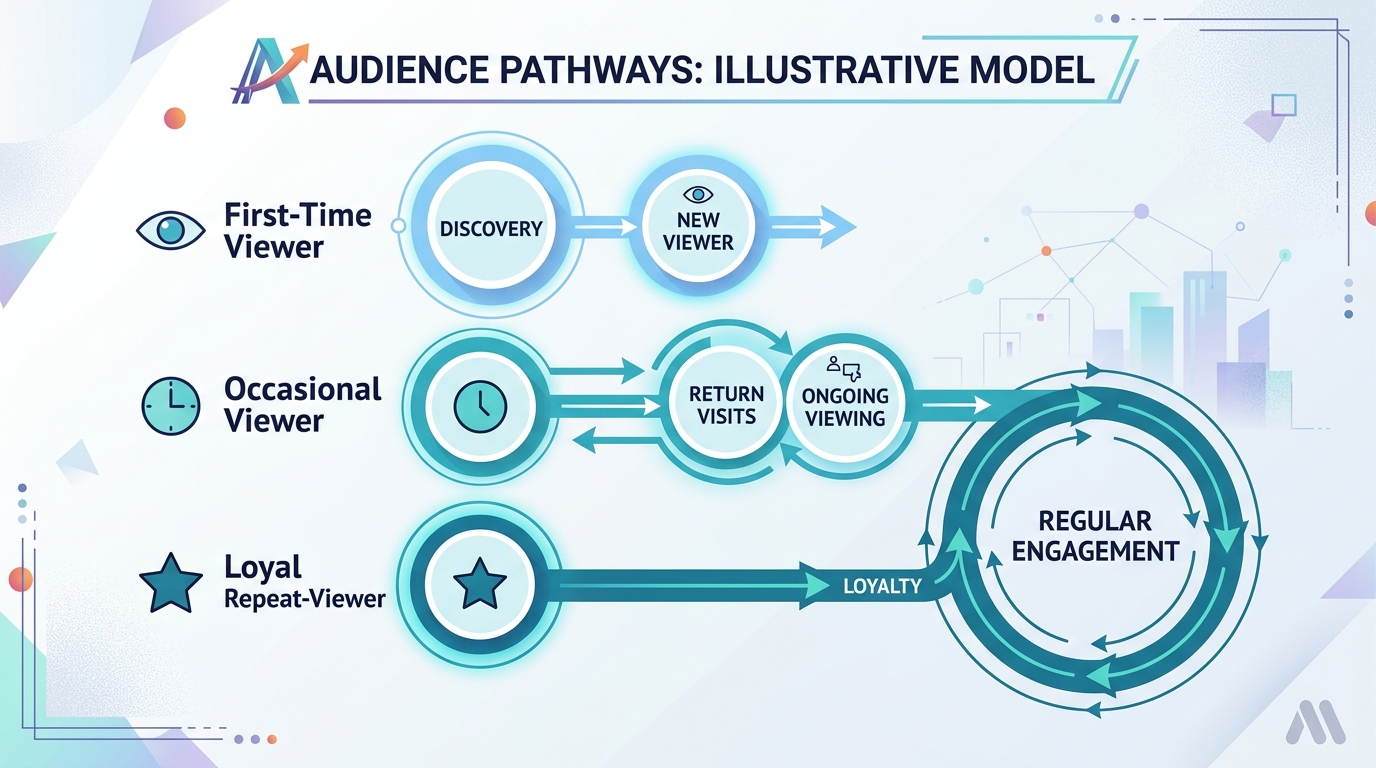
YouTube reports new, casual, and regular viewers based on how often people have watched the channel over time. These segments are separate from subscriber status.[2]
Use them to frame the next decision.
Many new viewers and limited repeat viewing
The channel may answer isolated questions without giving viewers a reason to return. A series, related-video links, or a progression from beginner to advanced material can connect a successful discovery topic to the broader channel promise.
A loyal audience and limited new reach
Regular viewers may value the content, while the topics or packaging remain difficult for new viewers to understand. Try a broader entry point into a subject the existing audience already cares about.
For example, a specialized accounting channel might frame an expert topic around a common small-business decision rather than professional terminology.
Healthy discovery and repeat viewing
Look for topic clusters that attract new viewers and lead them to other videos. These clusters can support sequels, playlists, updated guides, and recurring formats.
Turn the evidence into a one-page brief
After reviewing the data, reduce it to a production decision. The production brief should be clearer than a dashboard export.
Proposed topic
State the specific problem the video will solve.
Evidence from the channel
Record the observations that support the idea:
- A related topic generated sustained watch time
- A segment produced a retention spike
- Search terms revealed an adjacent question
- Comments repeatedly requested clarification
- A successful video attracted new viewers but lacked a clear follow-up
Intended audience
Specify whether the video is for new, casual, regular, or business-critical viewers.
Discovery route
Choose the primary route, such as search, browse, an existing series, email, or an embedded article.
Packaging hypothesis
Draft the title promise and thumbnail concept before writing the script. This defines what the video must deliver.
Retention plan
Write down what viewers should receive in the opening, where the first useful example appears, and which sections can be demonstrated rather than explained.
Business connection
If the channel supports a company, identify the next useful action. It might be reading a guide, viewing a product demonstration, downloading a relevant resource, or watching another video. Keep the action connected to the problem addressed in the video.
Score competing ideas without pretending to predict views
When several topics look promising, rate each one against criteria tied to the channel’s objective:
- Evidence of audience interest
- Relevance to the intended viewer or buyer
- Strength of the follow-up angle
- Clarity of the title and thumbnail promise
- Production effort
- Evergreen value
- Connection to another useful asset or offer
Rate each criterion low, medium, or high, and add a note explaining the rating. Give production effort an inverse role: an idea requiring extensive research or filming needs stronger evidence than a focused tutorial that can be produced efficiently.
The score clarifies the tradeoffs behind each idea. It does not forecast performance.
Use AI to organize evidence, not replace judgment
AI can summarize a structured analytics table, compare patterns, and turn observations into candidate briefs. It is less reliable when asked to explain viewer motivation or prove why a video performed well.
Give it evidence and ask it to separate observations from hypotheses. For example:
Analyze the video performance table below. Compare only videos with similar formats. Identify recurring topic patterns, possible packaging problems, and retention issues. Separate observations from hypotheses. Then propose five follow-up ideas and explain which channel evidence supports each one. Do not predict views or claim causation.
Review the response against the original YouTube Studio data. An AI tool may overlook publication date, promotion, audience source, seasonality, or business relevance.
YouTube has announced AI-assisted tools for interpreting channel information and generating ideas. Availability and interfaces can vary by account and rollout.[3] Treat native and external tools as assistants for organizing evidence. The editorial decision remains yours.
If you want to move from research into production without connecting a separate tool for every step, MG Social Studio supports AI-assisted research, video creation, publishing workflows, and Growth Copilot recommendations. Start creating with MG Social Studio.
Results vary. AI-generated recommendations and content should be reviewed before publishing.
Mistakes that weaken analytics-based planning
Using a universal CTR benchmark
CTR depends on format, topic, audience, traffic source, distribution, and impression volume. Comparable videos from your own channel provide a more relevant baseline.
Copying the top video
A strong upload validates an audience problem. It does not require an endless run of near-duplicates. Find the next question, deeper use case, or unresolved obstacle.
Treating correlation as an explanation
A retention drop identifies when viewers left. It does not establish why. Review the content at that point and gather supporting evidence before changing the entire format.
Optimizing only for reach
A broad topic may attract attention without attracting people who fit the channel’s long-term purpose. Include audience fit and business relevance in the decision.
Mixing incompatible formats
Shorts, tutorials, interviews, webinars, and product demonstrations produce different viewing behavior. Analyze each format separately before comparing their strategic roles.
FAQ
Which YouTube Studio metric matters most when planning the next video?
There is no single answer. Use watch time to identify meaningful topic interest, CTR to assess packaging, retention to assess delivery, traffic sources to understand discovery, and audience segments to evaluate reach versus loyalty.
Should I choose the topic with the most views?
Not by itself. Older videos have had more time to collect views, and externally promoted uploads may have unusual traffic. Compare similar videos over comparable periods and check whether the viewers match your objective.
What does low CTR with strong retention mean?
The viewers who clicked may have found the content useful, while the topic framing, title, or thumbnail limited discovery. Test the packaging before discarding the subject.
What does high CTR with low retention mean?
The title and thumbnail may have created an expectation the video did not fulfill quickly or consistently. Review the opening and the largest retention drops.
Can a small channel use YouTube Analytics effectively?
Yes. Smaller samples require caution, so look for repeated patterns across comparable videos rather than reacting to one upload or minor metric movement.
Should I compare Shorts with long-form videos?
Usually not for detailed performance diagnosis. Their formats and viewing contexts differ. Analyze each format separately, then compare their broader strategic roles.
Can AI analyze YouTube Studio data?
AI can summarize structured data and generate hypotheses or follow-up ideas. It can miss context and overstate patterns, so verify its observations in YouTube Studio and review recommendations before acting on them.